Piyush Singh on Instagram: "Comment "AI" to get 20 Claude prompts for GPT Image 2 campaign
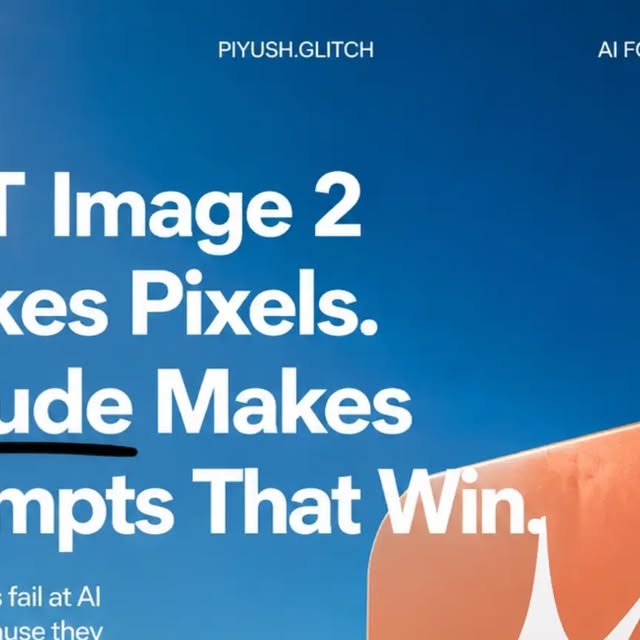
Piyush Singh on Instagram: "Comment "AI" to get 20 Claude prompts for GPT Image 2 campaigns + the full Two-Tool Pipeline PDF. 👇
Most people use GPT Image 2 the wrong way.
They open the image generator, type a random prompt, and hope for the best.
The highest-performing AI campaigns aren't built inside the image model.
They're designed before a single image is generated.
The workflow is simple:
✅ Claude creates the campaign strategy
✅ Claude writes the creative brief
✅ Claude builds the shot list
✅ Claude handles quality control
✅ GPT Image 2 executes the visuals
That's the difference between random AI art and a consistent brand campaign.
Inside this carousel you'll learn:
• Why GPT Image 2 makes pixels while Claude makes winning prompts
• The two-tool workflow used by top AI creators
• Brand Prompt Grammar (SUBJECT, ENVIRONMENT, LIGHTING, CAMERA, NEGATIVES)
• How to extract visual DNA from reference images
• The iteration loop that improves campaigns without restarting from scratch
• How to plan an entire campaign before generating a single image
• Quality-control systems for logos, hands, text, colors, and brand consistency
The biggest mistake brands make is treating every image as a separate prompt.
The best campaigns build a visual system first and generate assets second.
Bonus PDF includes:
• 20 high-performing Claude campaign prompts
• Visual DNA extraction framework
• Brand-world.md starter template
• Shot list generator prompt
• Sidecar JSON workflow template
• AI image QC checklist
• Campaign planning framework
• Hidden GPT Image 2 optimization tricks
Comment "AI" below and I'll send the complete PDF.
Follow @piyush.glitch for AI workflows, image generation systems, automation frameworks, and creator tools that actually produce results.
#GPTImage2 #ClaudeAI #AIImages #AIMarketing #ArtificialIntelligence"
855 likes, 1,309 comments - piyush.glitch on May 31, 2026: "Comment "AI" to get 20 Claude prompts for GPT Image 2 campaigns + the full Two-Tool Pipeline PDF. 👇
Most people use GPT Image 2 the wrong way.
They open the image generator, type a random prompt, and hope for the best.
The highest-performing AI campaigns aren't built inside the image model.
They're designed before a single image is generated.
The workflow is simple:
✅ Claude creates the campaign strategy
✅ Claude writes the creative brief
✅ Claude builds the shot list
✅ Claude handles quality control
✅ GPT Image 2 executes the visuals
That's the difference between random AI art and a consistent brand campaign.
Inside this carousel you'll learn:
• Why GPT Image 2 makes pixels while Claude makes winning prompts
• The two-tool workflow used by top AI creators
• Brand Prompt Grammar (SUBJECT, ENVIRONMENT, LIGHTING, CAMERA, NEGATIVES)
• How to extract visual DNA from reference images
• The iteration loop that improves campaigns without restarting from scratch
• How to plan an entire campaign before generating a single image
• Quality-control systems for logos, hands, text, colors, and brand consistency
The biggest mistake brands make is treating every image as a separate prompt.
The best campaigns build a visual system first and generate assets second.
Bonus PDF includes:
• 20 high-performing Claude campaign prompts
• Visual DNA extraction framework
• Brand-world.md starter template
• Shot list generator prompt
• Sidecar JSON workflow template
• AI image QC checklist
• Campaign planning framework
• Hidden GPT Image 2 optimization tricks
Comment "AI" below and I'll send the complete PDF.
Follow @piyush.glitch for AI workflows, image generation systems, automation frameworks, and creator tools that actually produce results.
#GPTImage2 #ClaudeAI #AIImages #AIMarketing #ArtificialIntelligence".